
As part of the continuous upgrade of our infrastructure and services, maintenance work will be carried out on the television service to ensure the highest possible quality. During this time, on January 26 from 01:00 to 06:00, a scheduled partial service interruption will take place.
During the upgrade, there will be changes to the channel tuning settings. Depending on the type of decoder or equipment you use, different actions may be required.
Amino decoders
Amino decoders will automatically return to normal operation after the completion of the maintenance.
If you experience any issues, please perform a simple restart of the decoder.
Arion / Intek Decoders
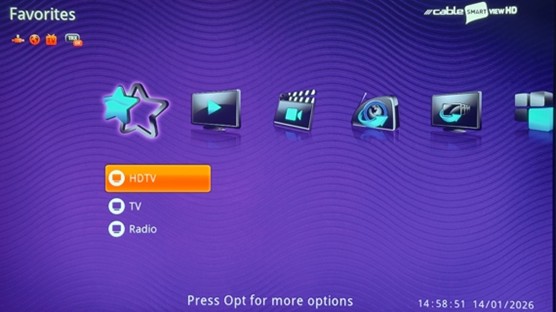
Subscribers using an Arion or Intek decoder will need to retune their channels.
Channel retuning steps for Arion / Intek decoders:
- Press the Menu button on the remote control
- Select Settings
- Select Channel Installation and press OK
- Select Automatic Channel Search and press OK
- Select Start and press OK
- Once the process is complete, select Save and press OK
Important note:
If your decoder remains in standby mode (standby, front LED is red) for more than 5 minutes using the ON/OFF button on the remote control, the channel list will be updated automatically without any further action required on your part.
CI+ Card
For CI+ cards, retuning of your television will be required. Please refer to your TV’s user manual and use the following network settings:
- Network ID: 1
- Starting Frequency: 610000 KHz
- Symbol Rate: 6950 MS/sec
- Modulation: 256 QAM
For more information or support, you may contact us at 130.