Speed Test

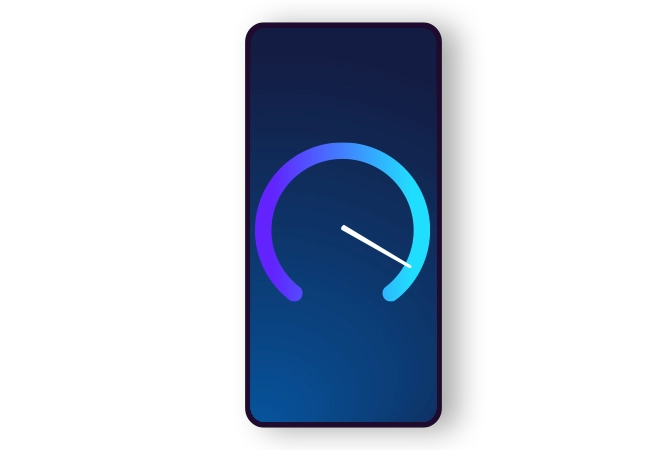
Speedometer displayed on a mobile screen

How fast is yours?

Do you know your internet’s real output?
Test your internet speed now.

Before you start, please note the following:

  1. Readings via WiFi aren’t representative as wireless connections limit the connection’s output. For testing to be effective, readings should be taken at various times of the day and using a computer connected directly to the modem via ethernet cable. It is recommended that the computer’s ethernet port be able to support speeds of up to 1Gbps.
  2. Before testing begins, ensure that your internet isn’t being used by other software or another computer or device (such as a subscriber TV decoder, security camera, torrents etc.).
  3. For more reliable results, you should take three (3) consecutive readings within an hour (one every 15 minutes) using the cyNettest tool. The cyNettest tool is the System for Performance Evaluation of Broadband Connection Services developed by OCECPR, which enables users to take readings and evaluate the qualitative characteristics of their broadband connections. Kindly follow the instructions available on the official link of the OCECPR website.

Notes:

  1. Any reading can be considered as being representative of the user’s speed for a period of 15 minutes at a time.

  2. If more than one reading is taken within the 15-minute period, then the highest reading applies.

  3. For the purposes of calculating the normally available speed for any 15-minute period for which there has been no specific reading, it should be considered that the maximum speed is in effect, unless the Company explicitly confirms that a lower speed was in effect at that specific time.

  4. Any period during which there has been interruption of the broadband connection due to a technical fault in the network or equipment or for any other reason, such as network maintenance or a power cut, shall not be taken into account when calculating the normally available speed.

  5. Any subscriber is entitled to submit a complaint to the Company if, for three (3) consecutive days, they do not enjoy 80% of the normally available speed for a period of less than 12 hours within a 24-hour day or 80% of the minimum speed at any given time. Should a complaint be submitted, the Company reserves the right to send its own technical staff using its own equipment to take readings via the subscriber’s connection. The subscriber must consent and facilitate the Company in taking the required readings at times of the day similar to those for which the subscriber has submitted a complaint.

In instances where, within 3 working days of receiving a complaint, the Company has in good faith contacted or attempted to contact the subscriber to arrange an on-site visit to take readings and this has not been possible due to the subscriber’s fault or inability, then the complaint shall be considered void.

In instances where the same subscriber has submitted more than two complaints regarding reduced speed within a 12-month period and the first two complaints have been proven to be invalid following on-site readings by the Company, the Company reserves the right to charge any further on-site speed readings where no issue is detected according to the pricelist valid at that time.

For further information and technical support, please contact the Customer Call Centre on 130.

Plume pod and HomePass app

Powerful
and secure WiFi

Laptop with fiber background image for fast home internet service

Fast internet
at home

Smart TV displaying blockbuster movie titles on the screen with Cablenet set top box

Everything
on screen

Mobile device with an image of a woman on screen with purple elements

5G Unlimited
with €15/month!

MAXify Rewards
Programme

Download the app and enjoy
exclusive benefits from Cablenet!

Hand holding a mobile phone that displays the MAXify Rewards Programme logo on the screen

Accessibility Toolbar